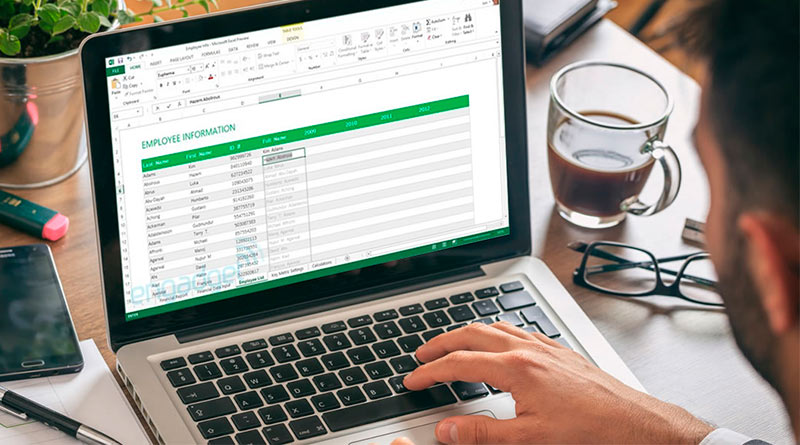
For many people, the main utility of Excel software is to help us process data and create documents. Beyond this function, Excel allows us to be better organized in carrying out our personal and professional projects. Simple and easy to use, it enables you to optimize your time to be more productive. How to plan your tasks with Excel? Let’s zoom in on the question. But first…
What is planning?
It’s a classic when discussing project management. This term refers to the process that allows us to break down and organize our tasks by assigning each of them the necessary time for completion. As Antoine de Saint Exupéry aptly said: “A goal without a plan is just a wish,” hence the need to plan your tasks to achieve the desired objective.
Moreover, planning is also the art of achieving your goals in a specific area by deploying the necessary resources over a given period. Like this template for 2021, it is the best way to do the right activity at the right time.
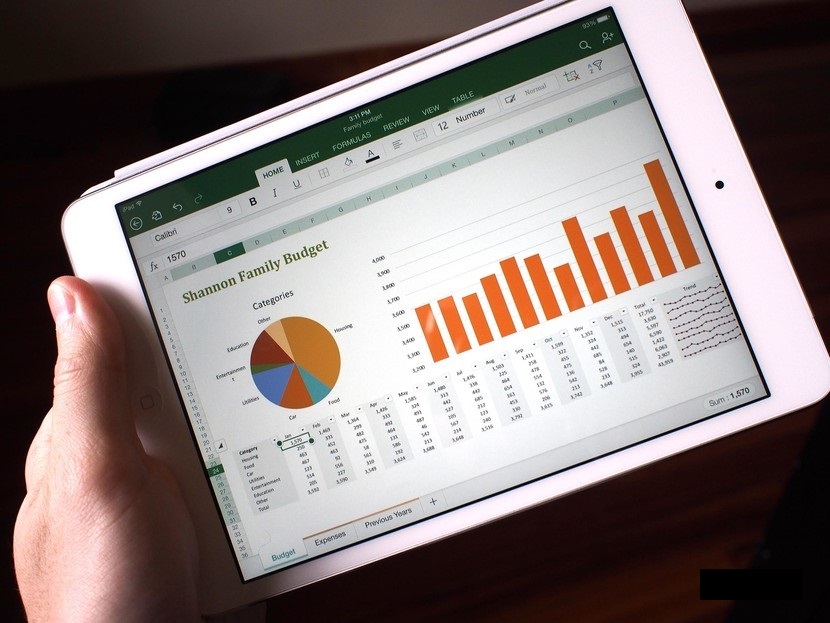
What does task planning represent in a project?
Planning is somewhat like a snapshot of a project. In other words, it represents your workload for the upcoming weeks or months. Be careful not to confuse things. Project planning is not its management, let alone its execution. It occurs just before the execution phase. In a way, it is the pre-mortem. In simple terms, it is the ability to foresee and adjust the time allocated to each task to improve the efficiency of your work.
How to manage tasks with Excel?
To successfully complete a project, you must first get organized. This is a very essential point that you cannot overlook if you want to avoid a fiasco. That said, as a project manager or leader, it will be of great help to have a tool at your disposal that facilitates planning without missing any details. For this, using a Gantt chart is more appropriate. It has several features that will allow you to have control over all the tasks assigned to you.
That being said, mastering this tool requires not only a good understanding of the chart in question but also its mode of use and control. A good command of this function in Excel will allow you to organize all the tasks you have planned for the upcoming months in a short time (just a few hours). However, during each session, do not forget to save your work to avoid losing vital data that could disrupt your entire project in case of an unexpected absence. Additionally, you must exercise great caution in its handling.
To successfully carry out your project with peace of mind, you already know you have the tool that will allow you to perfectly manage all the resulting tasks. Even better, with Excel, you have the ability to customize and organize your tasks freely.